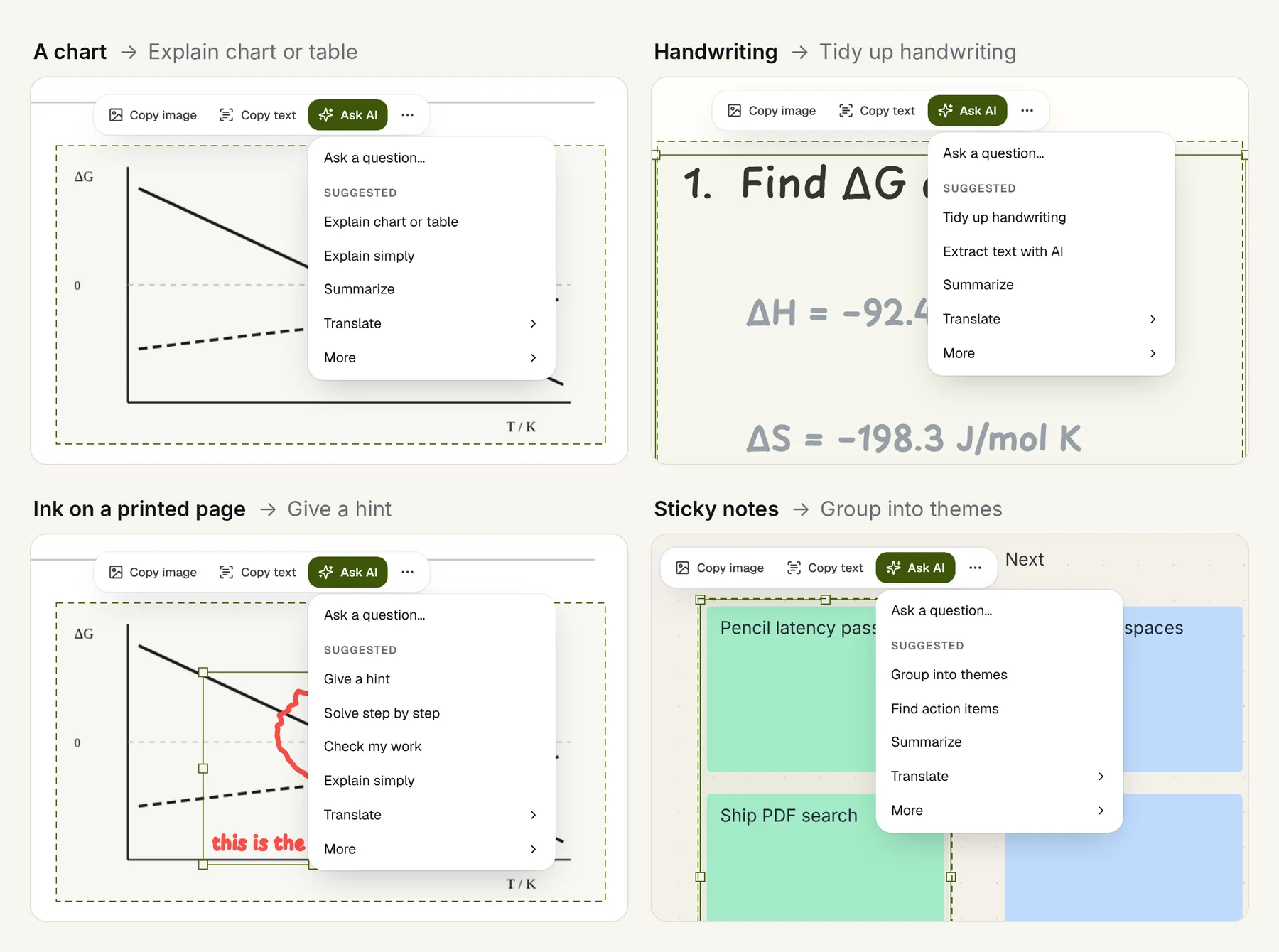
AI can now explain almost any paragraph of almost any paper. That's genuinely useful, and also a trap. If the first thing you do with a paper is ask for a summary, you get the paper's claims without ever finding out what you didn't understand. That gap is where most of the learning happens.
What follows is a reading workflow that keeps the AI in its place: it helps with the parts you got stuck on, and you do the reading. It works with a pencil and any PDF app. The screenshots are from Limenote, because that's what we use, but none of the steps depend on it.
1. First pass: twenty minutes, pencil only
Start the way S. Keshav's well-known "How to Read a Paper" suggests: a quick first pass. Read the title, the abstract, the section headings, every figure and its caption, and the conclusion. Don't read the methods yet, and don't ask anything yet.
At the end, try to answer three questions in the margin, in your own words:
- What problem is this about?
- What do they claim?
- Which figure or table carries the claim?
If you can't answer the third one, that's the first thing to work on.
2. Mark what you'd ask, don't ask it yet
On the second, careful pass, read with the pencil moving. Use a small, consistent set of marks:
- Underline the sentence the argument turns on.
- Circle anything you don't understand: a term, a symbol, a step, a region of a figure.
- Write the question in the margin, as a question.
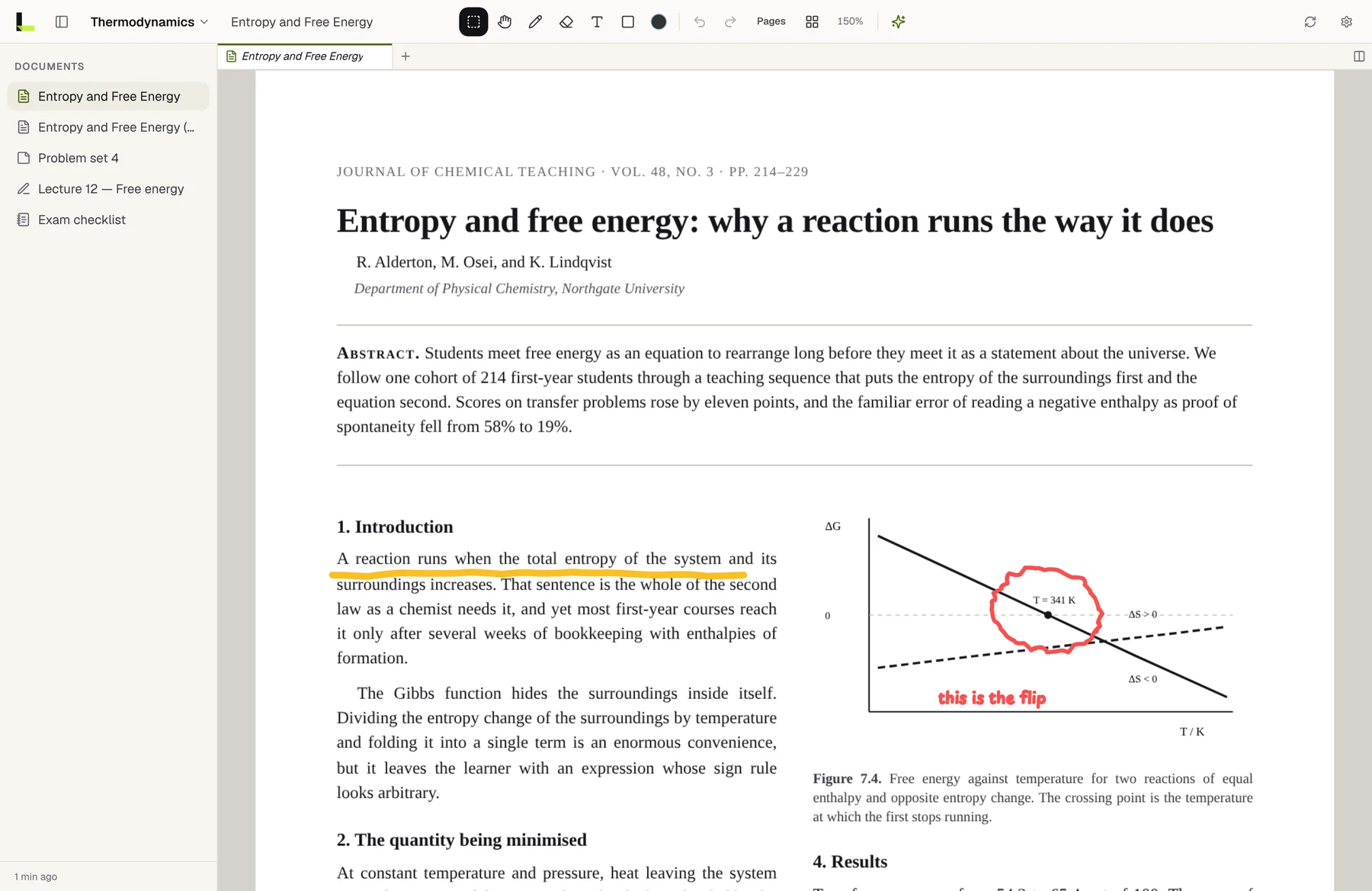
Writing the question down before you ask it matters. Half the time, writing it makes the answer obvious. The other half, you now have a precise question instead of a vague feeling of being lost, and a precise question gets a much better answer.
3. Ask about one thing at a time
Now go back to your circles, one at a time, and ask about that circle, not about the paper. A figure, an equation, one paragraph.
Small questions work better for two reasons. The answer is about the thing you pointed at, not about the paper's most prominent idea. And you can check it: an explanation of one figure can be compared with the figure in front of you.
Good questions for a figure:
- What exactly is on each axis, and in what units?
- What is the main trend, and where does it break?
- Which values in this figure support the claim in the second sentence of the abstract?
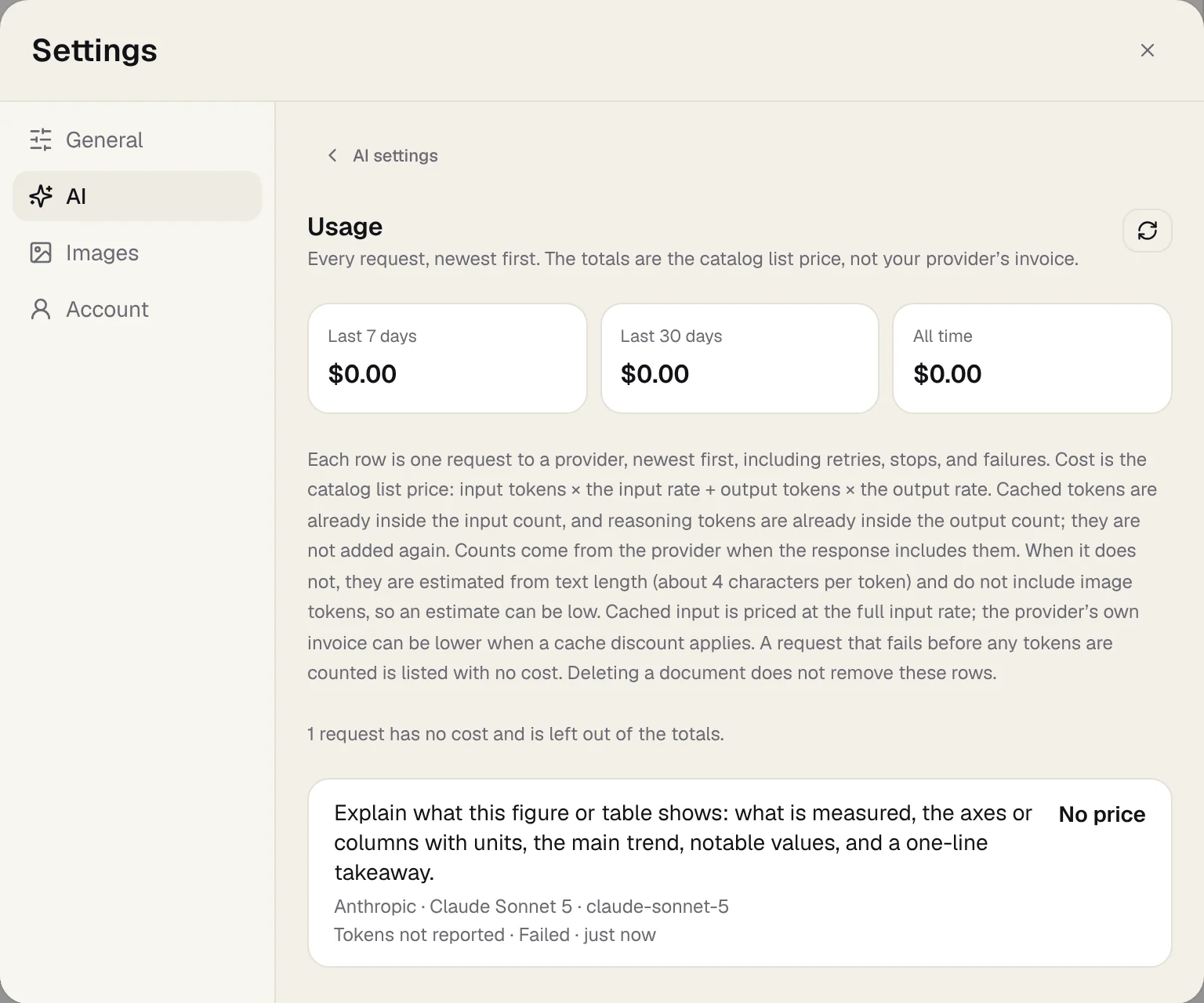
Verify before you believe. Ask the AI to name the axes, units and values it read, and compare them with the figure yourself. If it quotes a number, find that number on the page. When an explanation gets the axes wrong, everything after that is wrong too.
4. Take a hint before the answer
For derivations, worked examples and problem sets, the order of help matters. Ask for the smallest amount of help that gets you moving:
- A hint toward the next step, not the solution.
- A check of your own attempt, pointing out the first mistake and why, without the full solution.
- Only then, the full worked solution, which you then redo yourself without looking.
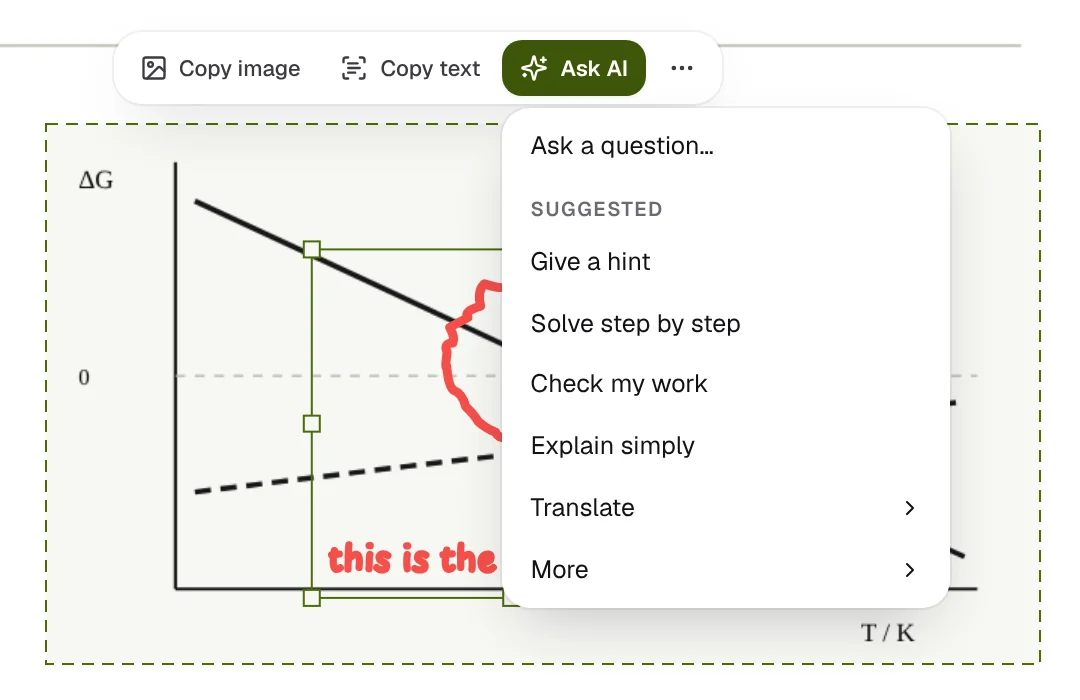
The hint is where the learning happens. If you go straight to the solution, you'll understand it while you're reading it and won't be able to reproduce it a week later.
5. Keep the paper beside your thinking
A paper is easier to understand when you can rebuild its argument somewhere else: redraw the key figure, write the equation that matters, list the cases. Do it next to the paper, not in another app you have to switch to.
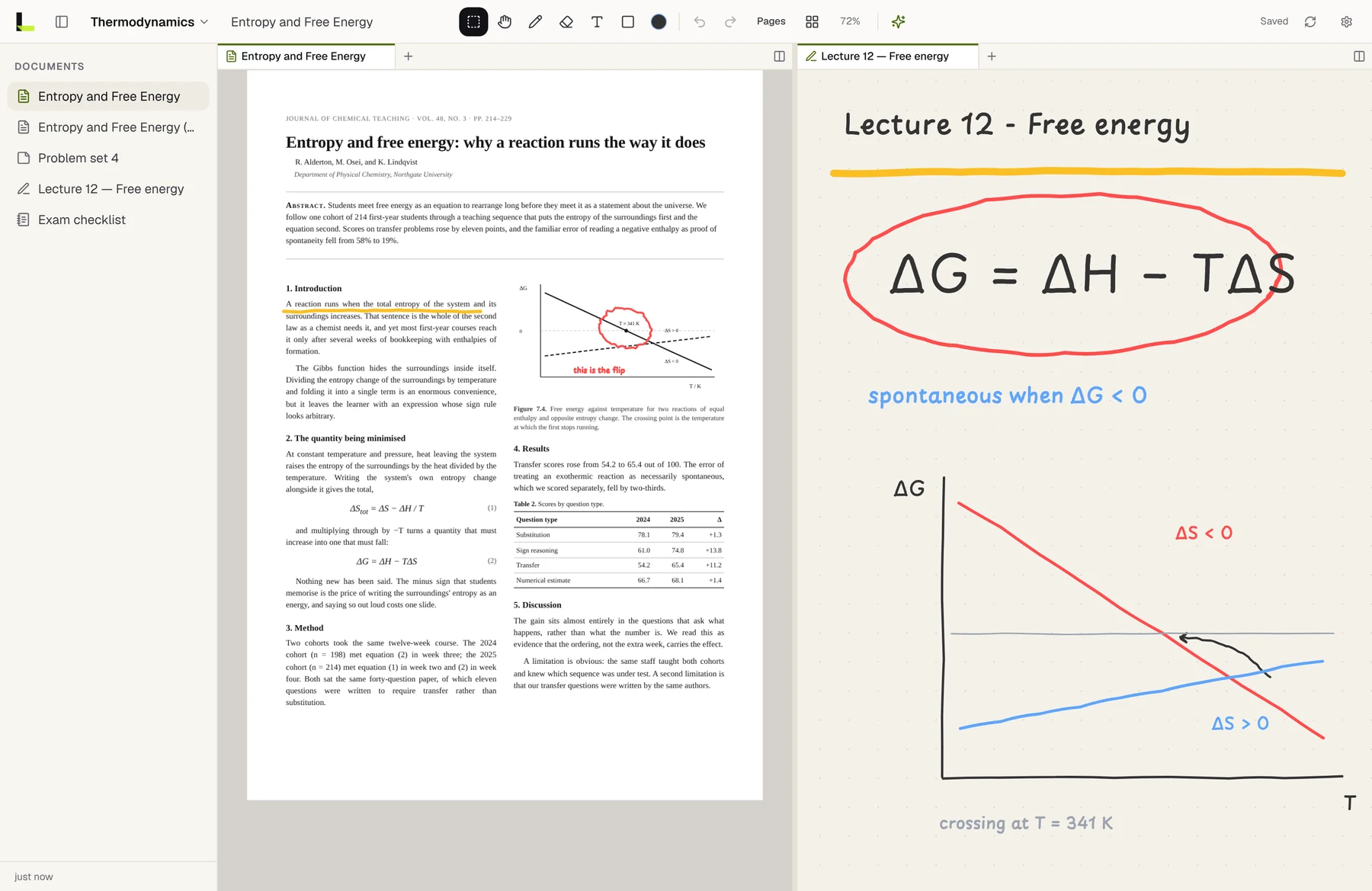
If you can redraw the key figure from memory and say why its curves cross where they do, you've understood the paper's main result.
6. Keep each answer where you asked it
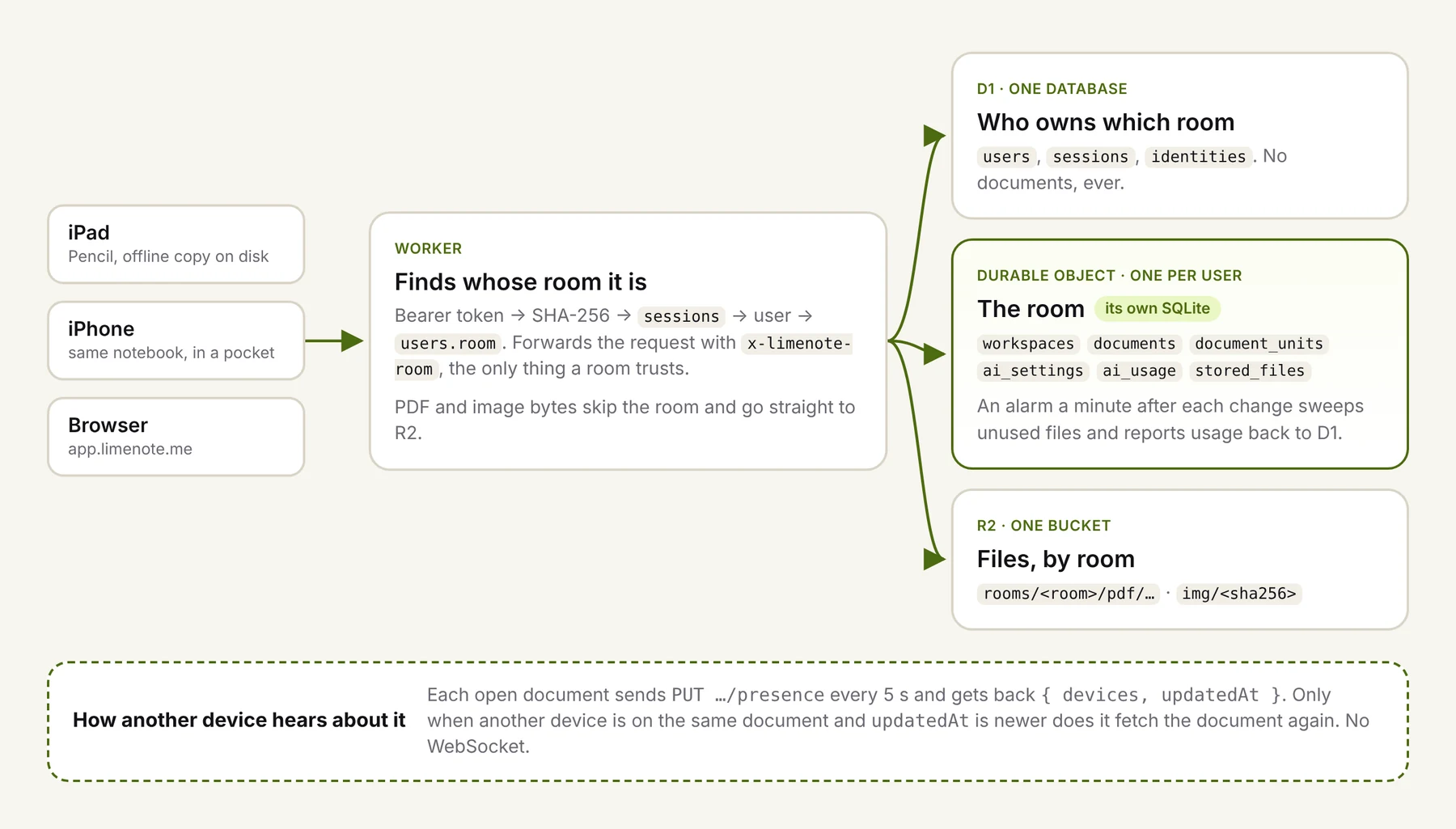
An explanation you can't find next week is one you'll ask for again. Keep each answer next to the passage it explains, together with the question you asked. In Limenote, answers are saved with the document. In any other app, paste the answer into a note or comment beside the circle that started it.
Next to each answer, add one line in your own words: what I didn't get, and what I get now. That line is what you'll actually review.
7. A ten-minute review at the end of the week
Go back through the week's papers and look only at your circles:
- Can you now explain each circled item without reading the answer?
- For the ones you can't, ask again, differently.
- Turn the important ones into two or three quiz questions, and answer them a few days later.
That's the step that turns a paper you read into a paper you know.
What not to do
- Don't start with "summarize this paper". You'll get the claims without the understanding, and you won't know which parts you skipped.
- Don't paste the whole paper in and ask for "key takeaways". You'll get the abstract back, reworded.
- Don't trust a confident explanation of a figure until it names the axes correctly.
- Don't let the AI write your margin notes. The point of the margin is that it's your words.
Used this way, AI is a patient tutor that's always free for one more question. It's not a replacement for reading the paper, and it doesn't need to be.